
Where to get a ready-made trading robot for MetaTrader 5, how to test a paid one for free, and how to install a file from another website.
All posts

20 min
MetaTrader 5 automated trading starts with two switches: the Algo Trading button on the MT5 toolbar and the Allow Algo Trading box in your Expert Advisor's own settings. With both on, the robot can send orders. With either one off, it keeps reading the market and places nothing.

21 min
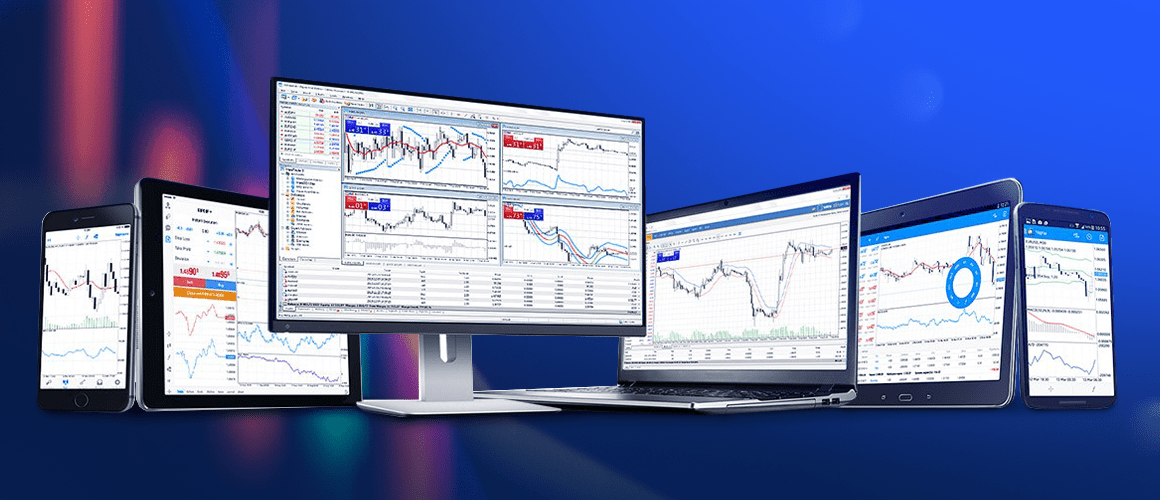
The official MT5 download is available on the MetaQuotes website and on the RoboForex MetaTrader 5 page, and the mobile app is in Google Play and the App Store. Install the platform, log in with your account number, trading password and server name, and the terminal is ready in a few minutes.

33 min
What MetaTrader 5 adds over MT4: 21 timeframes, six order types, netting and hedging, the strategy tester and five steps to start.

6 min
This overview is devoted to the main order types used in trading. Orders allow for opening and closing positions, limiting losses, and taking profit.
6 min
The truth is that MT5 features many more interesting functions that help in trading while MT4, to my mind, has too many limitations. Let us discuss some of them.